
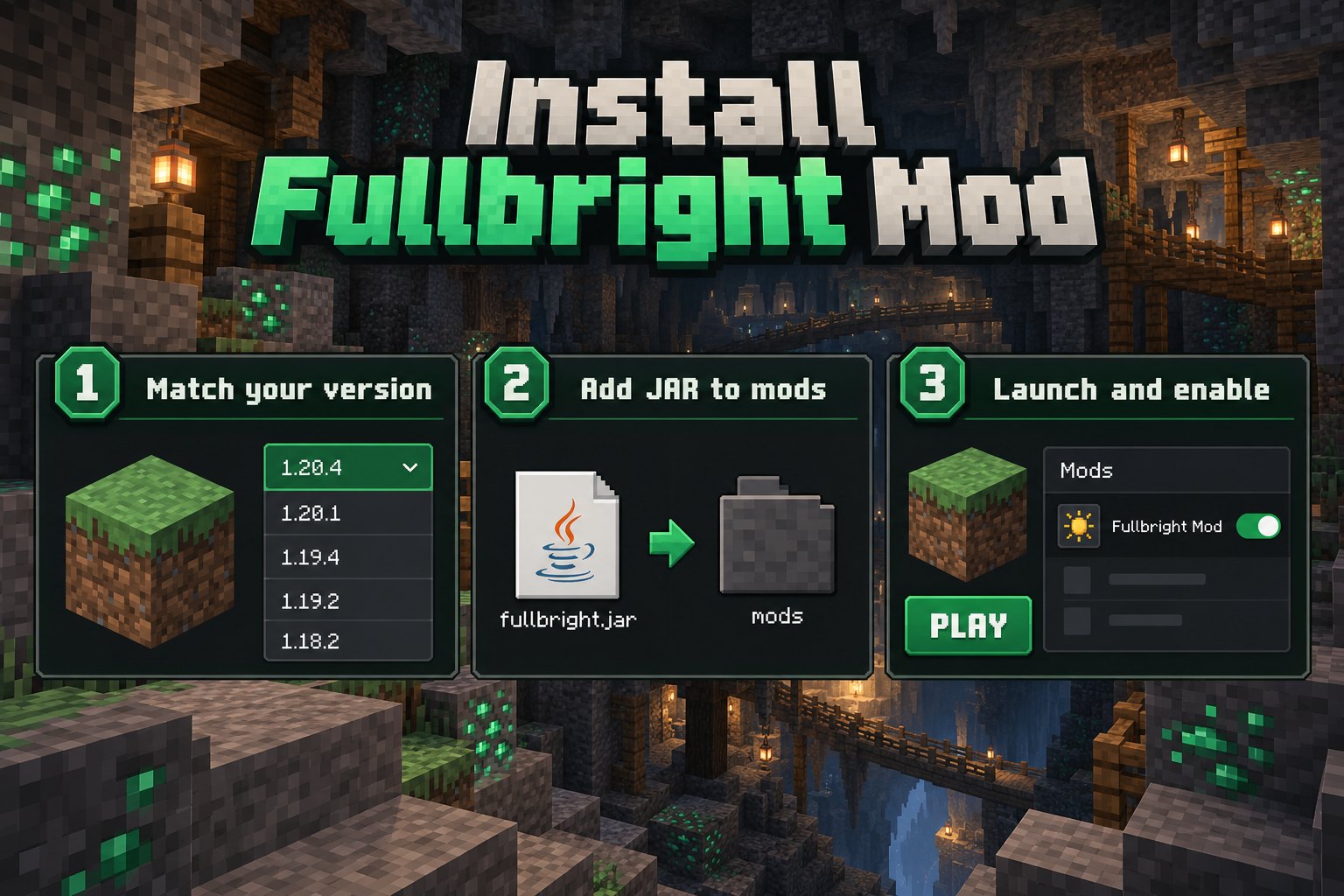
Install a Java Edition Fullbright mod correctly and avoid common folder, loader and dependency mistakes. Follow the setup advice below to find the right Fullbright Mod files for your Minecraft world.
Step 1: identify your environment
Open the Minecraft launcher and note the game version you want to play. Determine whether you use Fabric, Forge, NeoForge or an unmodified installation.
Step 2: choose the matching file
Use the publisher’s version list and select the build for your Minecraft version and mod loader. Read required dependencies before proceeding.
Step 3: install the loader and dependencies
Install the mod loader required by your Fullbright Mod release, then add any listed libraries. Match these components to the Minecraft version you selected.
Step 4: add the JAR to the mods folder
Open the Minecraft game directory and put the downloaded Java mod JAR in the mods folder. Create that folder if your installation does not yet have one. Do not unzip a mod JAR.
Step 5: launch and test
Start the Minecraft profile for your chosen mod loader, enter a world and check Fullbright's brightness settings or toggle. If it does not work, review the game log, file compatibility and required libraries.