
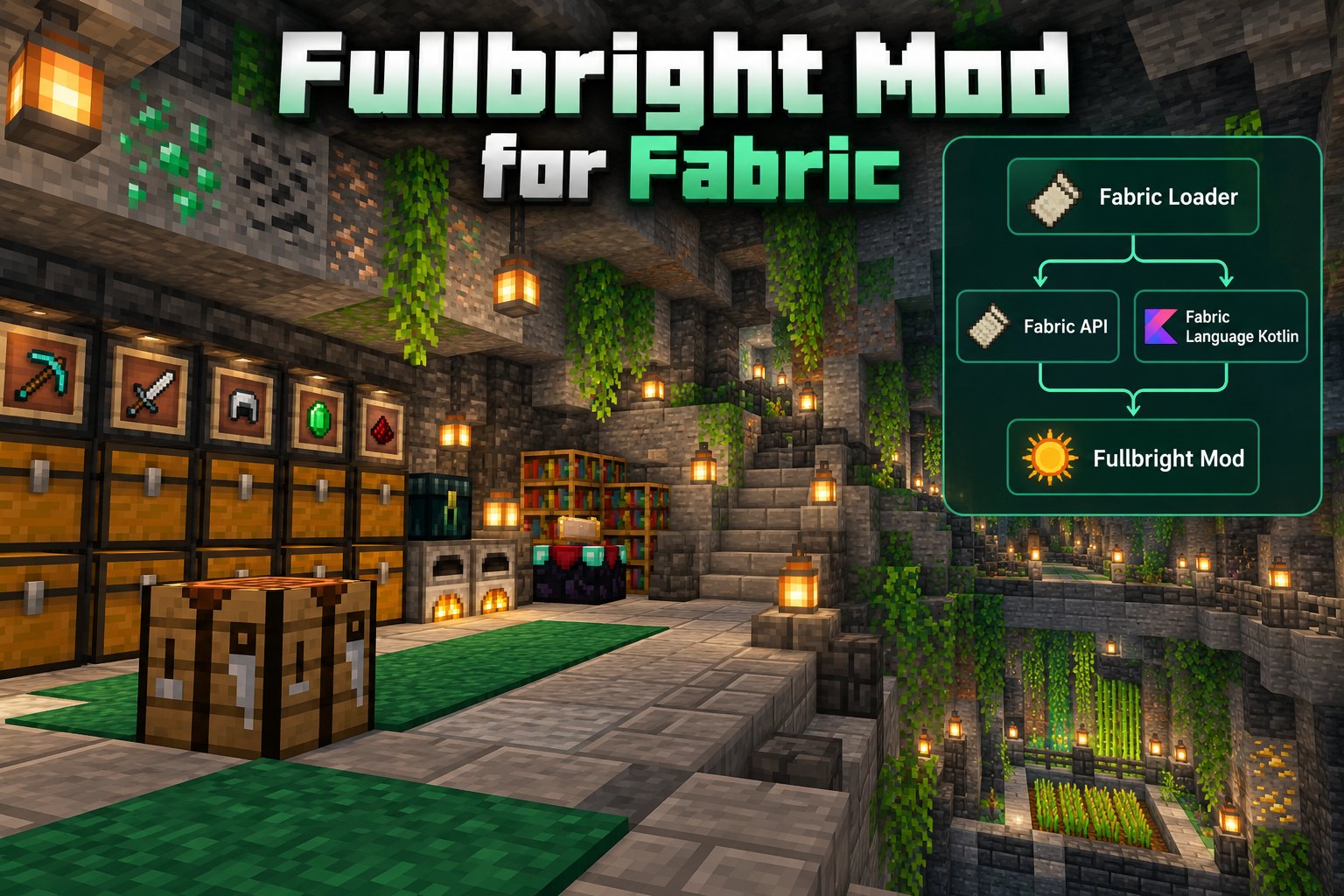
Learn how the Fabric Fullbright mod works, which dependencies to check, and how to toggle brighter visibility. Follow the setup advice below to find the right Fullbright Mod files for your Minecraft world.
Start with the right project
Fullbright Mod for Fabric runs on Minecraft Java Edition with a compatible Fabric Loader installation. Choose a release that supports your Minecraft version and check its requirements before adding the file to your mods folder.
Prepare Fabric and dependencies
Install Fabric Loader for the Minecraft version you want to use. Add the libraries required by your chosen Fullbright Mod release, keeping their versions compatible with your game and loader.
Install the mod
Download the matching JAR from the project’s versions page and move it to your Minecraft mods directory. Restart the game using your Fabric profile. Avoid placing a resource-pack ZIP into the mods folder.
Toggle and configure brightness
Open Minecraft's Controls menu and look for a Fullbright keybind. If your release includes a settings screen, use it to adjust brightness. Controls vary between versions, so follow the instructions for the file you installed.
Fix Launch Problems
Confirm the JAR, Fabric Loader and required libraries target compatible Minecraft builds. Temporarily remove other recently installed mods when diagnosing conflicts. Read the latest project release notes before changing files.