
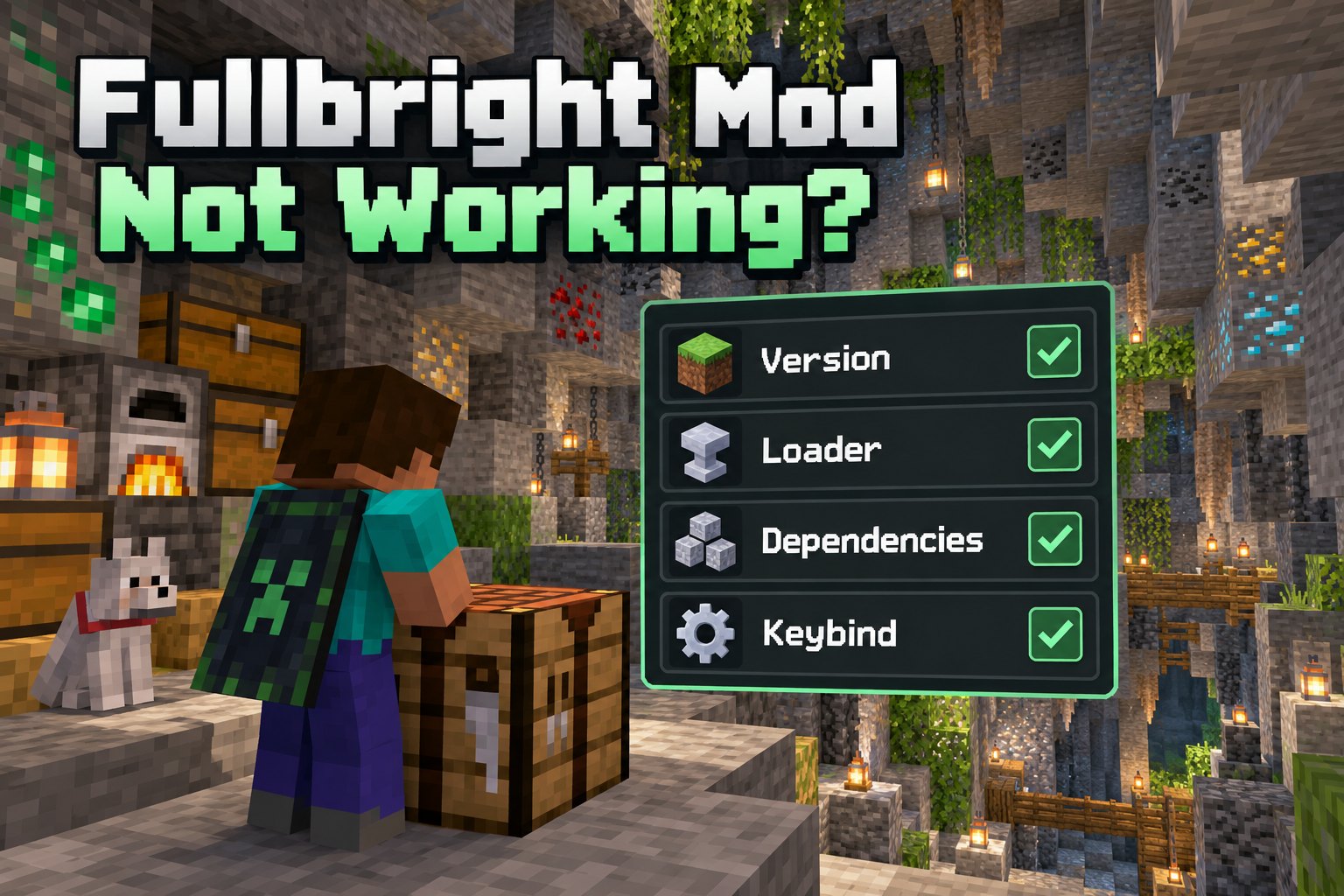
Fix common Fullbright mod problems such as incorrect loaders, missing dependencies and conflicting settings. Follow the setup advice below to find the right Fullbright Mod files for your Minecraft world.
Nothing changes when you toggle
Open Minecraft's Controls menu and check whether Fullbright has an assigned key. Resolve duplicate keybindings and review the settings for your installed release.
Minecraft crashes at launch
Confirm that Fullbright Mod, your Minecraft version and your mod loader are compatible. Check for missing libraries and read the startup log to identify which file is causing the problem.
Incorrect Mod Folder
Java mod JARs belong in the mods directory, while resource-pack ZIP files belong in the resourcepacks directory. The two cannot be swapped.
Shaders override the effect
Certain shader packs or rendering changes can alter lighting presentation. Test without shaders to identify a display conflict, then check the project documentation.
Multiplayer looks different
Check whether the server allows Fullbright Mod and whether it requires a particular client setup. Compare the brightness effect in a single-player world to see whether your local settings are working.