
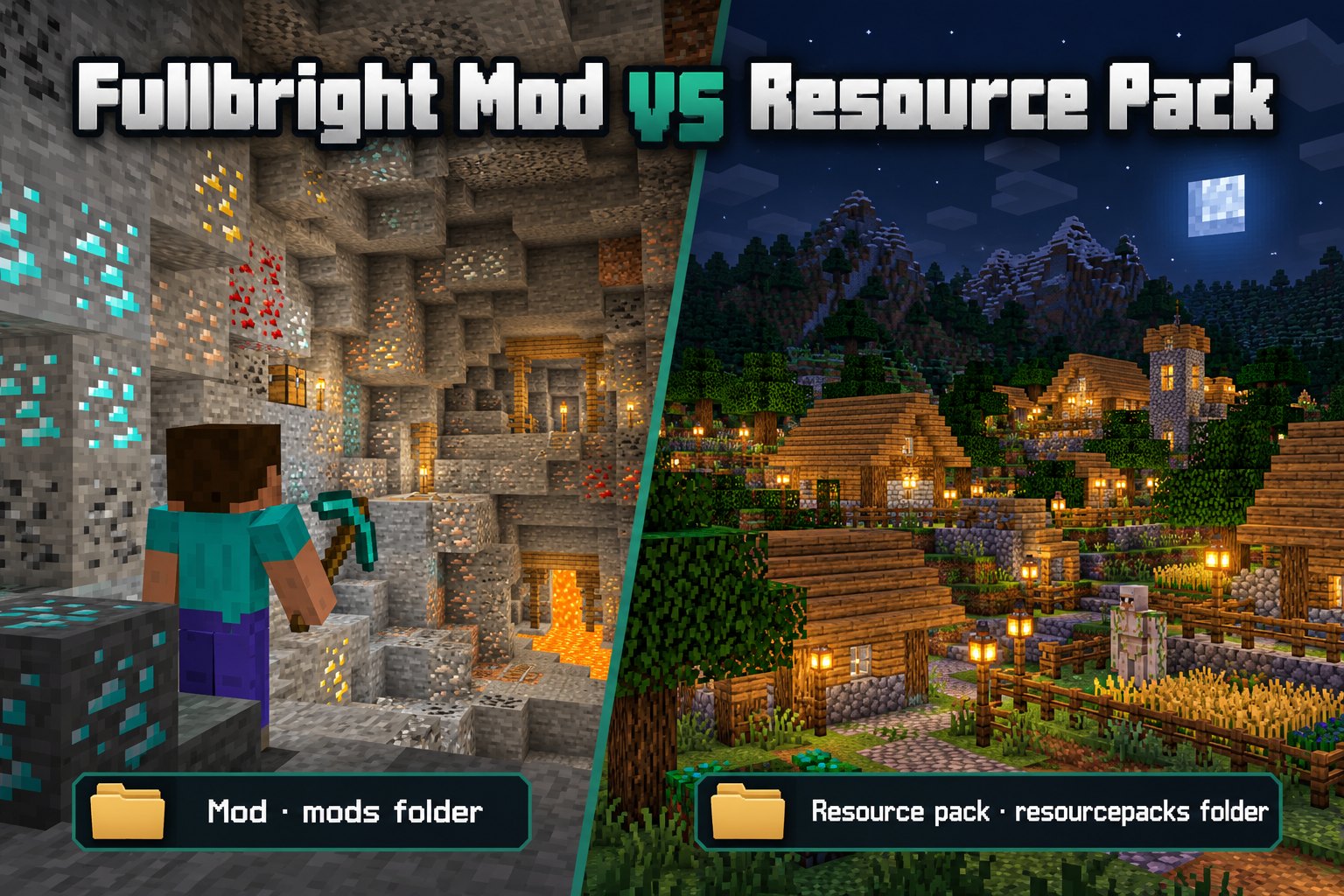
Compare mod-based fullbright with Fullbright resource packs, including loader, installation and control differences. Follow the setup advice below to find the right Fullbright Mod files for your Minecraft world.
How a mod works
Client-side mods can add settings, key bindings or commands that change brightness behavior. Its capabilities depend on the exact project and the mod loader used.
How a resource pack works
Fullbright resource packs change supported game resources to improve visibility. Some packs need additional rendering support, such as OptiFine. Check the requirements for the pack you choose before enabling it.
Installation locations differ
Put Java mods in the mods folder. Put resource packs in the resourcepacks folder and enable them from the game’s Resource Packs menu.
Which is better?
Choose a mod if you want the controls the developer supplies and your loader is supported. Choose a resource pack when the exact pack fits your environment and offers the appearance you want.
Read project-specific compatibility
Fullbright Mod and Fullbright resource packs can have different rendering requirements. Check compatibility with OptiFine, Sodium and any active shaders before combining them.