
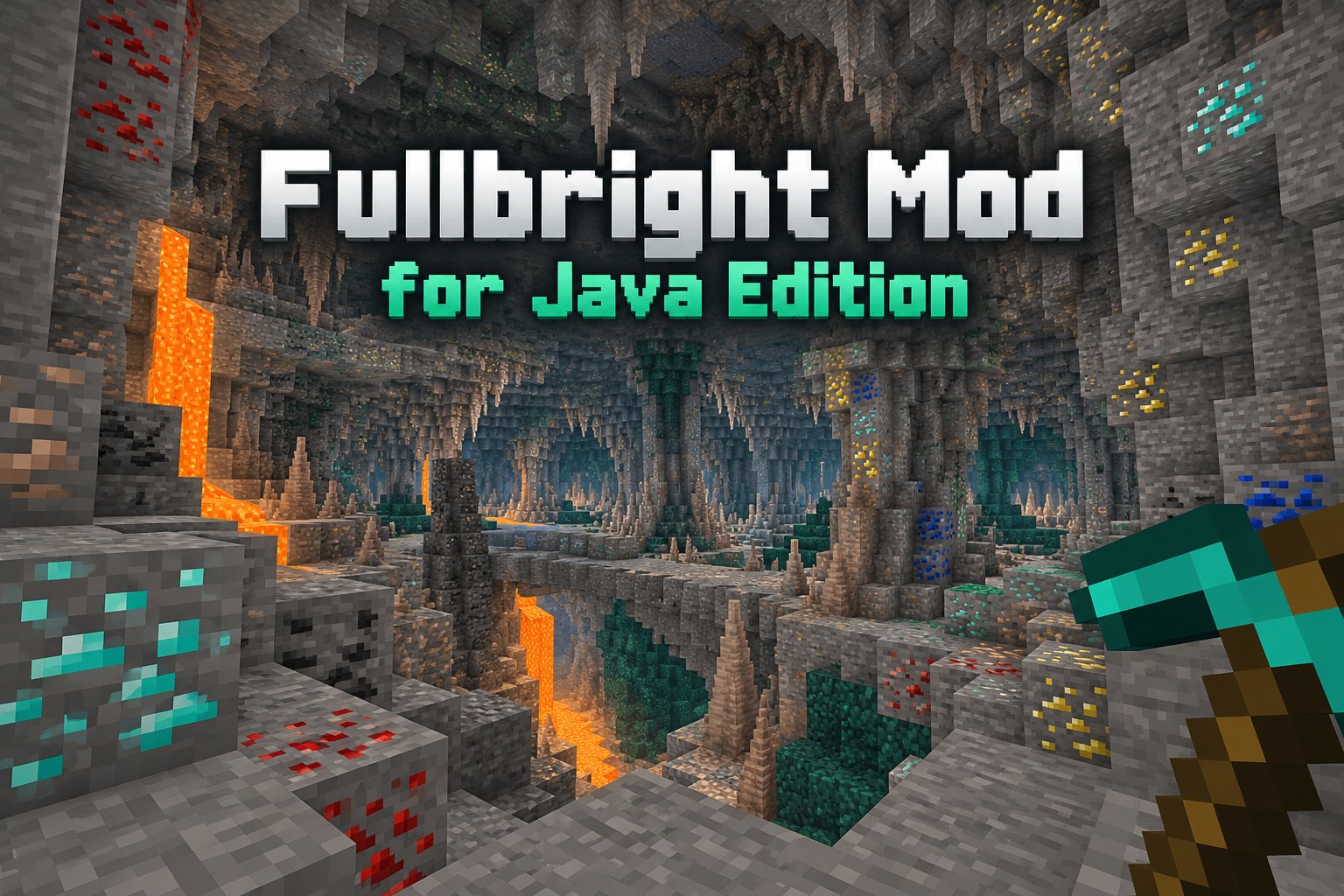
Explore fullbright on Minecraft Java, including mod loaders, controls and download safety. Follow the setup advice below to find the right Fullbright Mod files for your Minecraft world.
What fullbright changes
Fullbright tools aim to make low-light scenes easier to navigate. Depending on the implementation, they may adjust client-side brightness or lighting presentation rather than generate new light sources in your world.
Choose the proper Java Edition file
Look for Minecraft Java Edition in the compatibility information. Choose a file matching the specific game version and mod loader, then install any stated dependencies.
Use lighting responsibly
Better visibility does not necessarily stop hostile mobs from spawning or replace the light blocks needed for game mechanics. Keep torches available for managing spawn conditions.
Check server rules
Client-side visibility tools may be disallowed on some multiplayer servers. Read the server rules before using one online.
Check Your Fullbright Mod Download
Confirm that your Fullbright Mod file supports Minecraft Java Edition, your game version and your loader. Check the required libraries and setup instructions for that release.