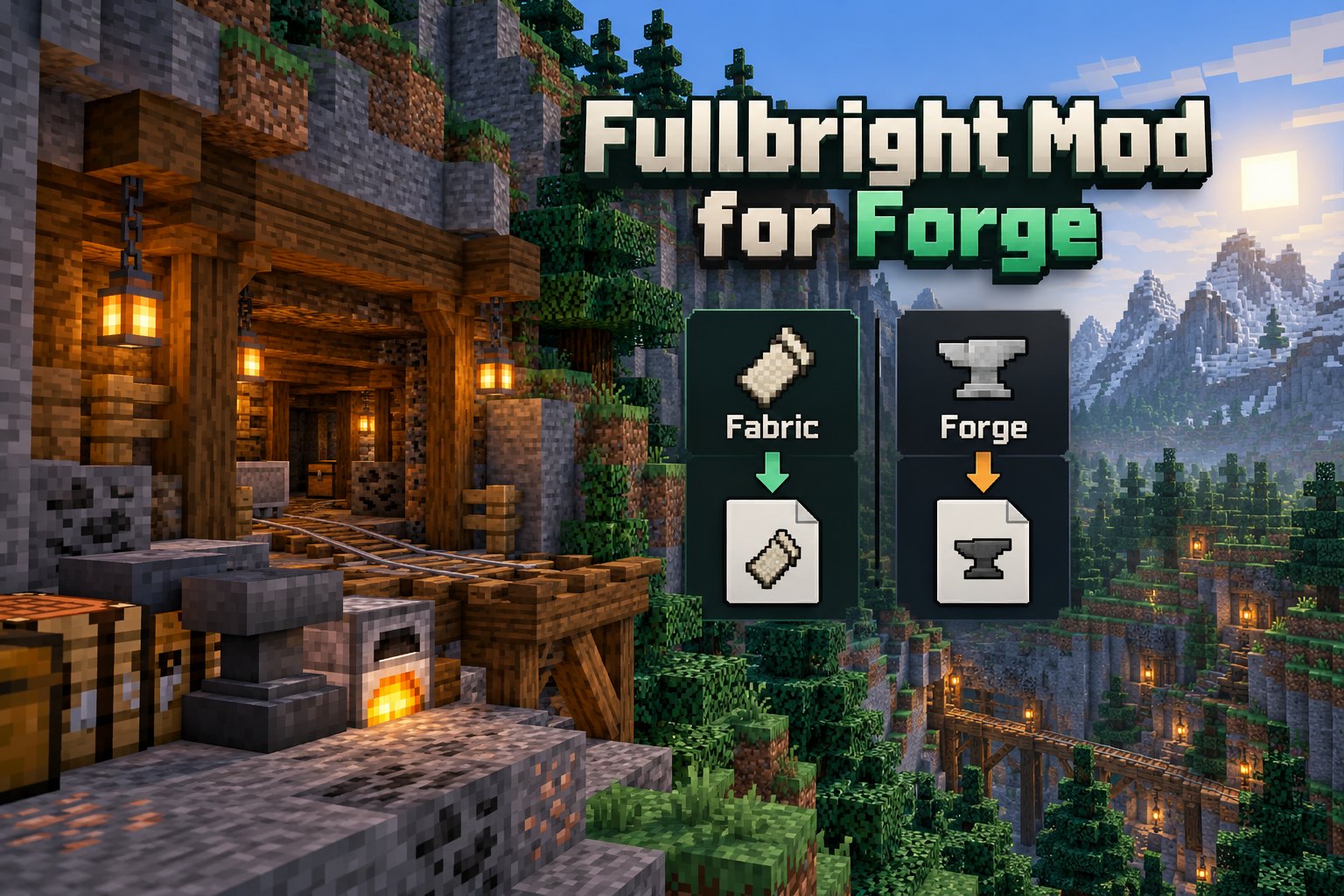
Understand Forge compatibility and why a Fabric Fullbright JAR should not be installed as a Forge mod. Follow the setup advice below to find the right Fullbright Mod files for your Minecraft world.
Forge is a different loader
Minecraft Java mods target specific loading systems. A JAR published for Fabric is not automatically compatible with Forge. Never rename a file or change its extension to make it appear compatible.
Look for a Forge-specific release
Check the loader filter on the project’s official version page. If Forge is not listed, choose a distinct Fullbright project that explicitly publishes a Forge release for your Minecraft version.
Check dependencies and settings
Forge projects can define their own dependencies and control keys. Follow the instructions on that project page rather than assuming that the controls for the Fabric Fullbright project apply.
What if you cannot find a match?
Consider a compatible resource pack or a brightness utility that explicitly lists your version and loader. Keep a backup of your saves before changing mod-loader setups.