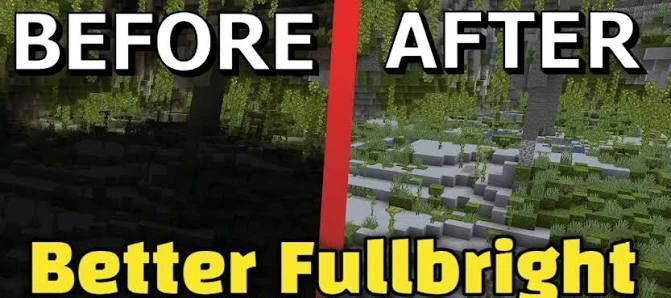
How to download the supplied Fullbright Mod ZIP directly and keep the file ready for setup.
Download the file directly
Use the main Download section on fullbrightmod.com. In this website build, the button points to assets/downloads/fullbright-mod.zip, so visitors receive the supplied package directly from the domain.
Check the ZIP before setup
The archive contains pack.mcmeta, pack.png and OptiFine lightmap files. It is a ZIP resource package rather than a verified loader-specific JAR.
Keep the package name clear
If you rename the ZIP for your own organization, keep a note of the original source and version context so troubleshooting stays simple.
Quick setup checklist
- Confirm the exact Minecraft version you use.
- Confirm the package type and required loader or OptiFine dependency.
- Back up a working game configuration.
- Test Fullbright without conflicting shaders or packs first.